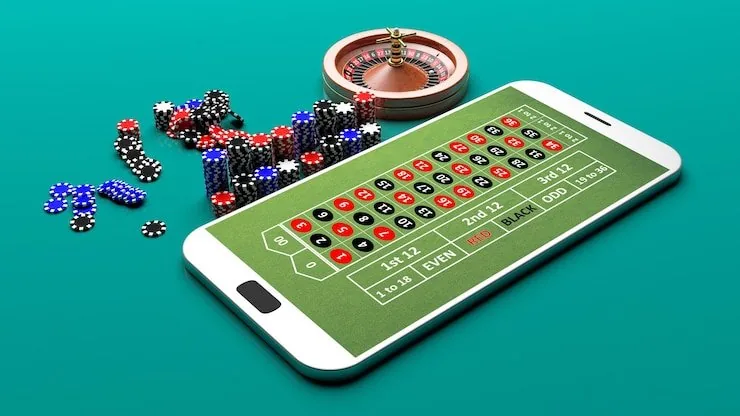

Mobile Access in 3 Steps
Getting into the slotpk99 lobby on your phone does not need a lengthy setup. Open the current site URL in your mobile browser — Chrome on Android and Safari on iOS both work cleanly with the lobby layout. Check the browser compatibility note shown on the homepage; if a native app build is currently offered for your region, that page will show
the verified download link. Do not use third-party APK sources. Sign in using your account credentials or set up fingerprint access once you are inside. Your Easypaisa or Raast wallet link carries over from desktop automatically, so you can load funds without reconfiguring anything.
- Open the current site — Go to slotpk99 in your mobile browser. The lobby scales automatically to your screen size without any extra steps.
- Check browser compatibility — The homepage shows a compatibility notice. If a native app is available for your region, the verified link appears there — ignore any other sources.
- Sign in securely — Use your account credentials or enable fingerprint login from account settings. Your wallet and game history load immediately after authentication.